
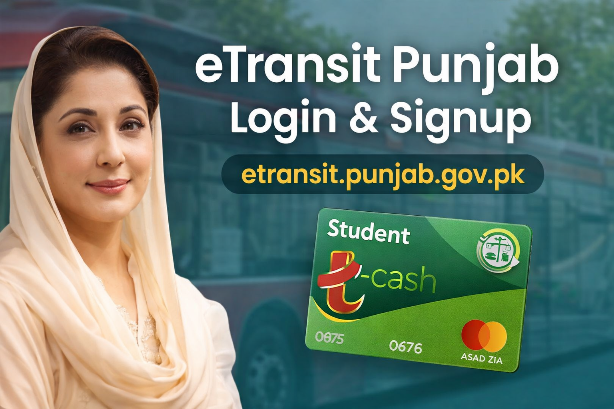
How to Apply for Punjab Student T-Cash Card 2026: Registration & Login Guide
The Government of Punjab has introduced eTransit Punjab, a modern digital platform that makes public transport easier, faster, and cashless. Through etransit.punjab.gov.pk, citizens can apply for T-Cash Card and Student T-Cash Card, manage their travel, and use one card across multiple transport systems in Punjab.
This article explains the eTransit Punjab program, its benefits, and a step-by-step guide for signup and login in very easy English.
What Is eTransit Punjab?
eTransit Punjab is a smart transport initiative launched by the Government of Punjab to promote cashless public transport. It allows passengers to travel using a rechargeable smart card instead of cash.
The system works on major public transport services, including:
- Orange Line Metro Train
- Metro Bus Lahore
- Speedo Bus
- Electric Buses (Lahore)
- Other mass transit routes in Punjab
This project is a joint initiative of Punjab Information Technology Board and Punjab Mass Transit Authority.
What is the Punjab Student T-Cash Card 2026?
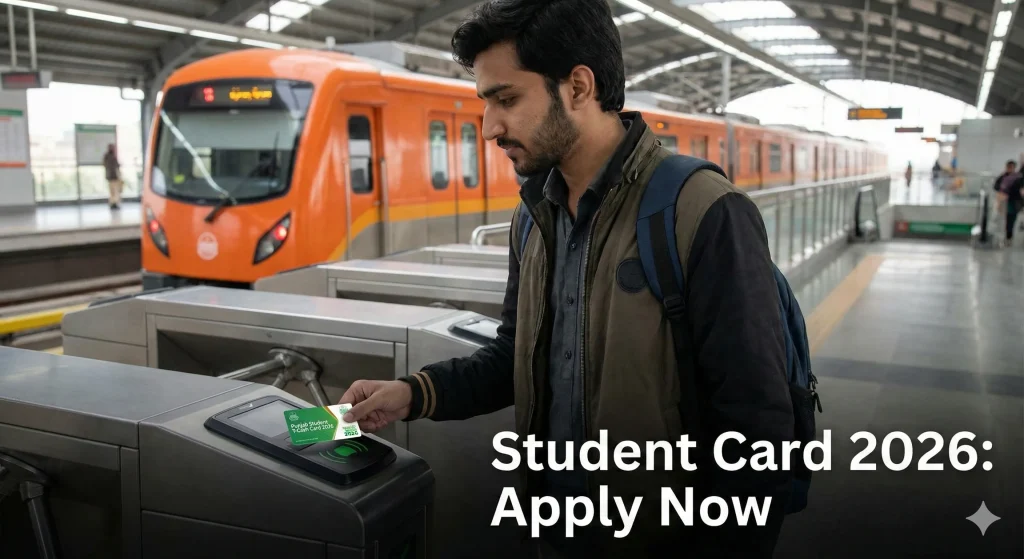
The T-Cash Card is a rechargeable smart card used for daily travel on Punjab’s public transport systems.
Key Features of T-Cash Card
- Cashless travel
- One card for multiple transport services
- Secure and easy to use
- Can be recharged through banking apps
- Saves time and avoids ticket lines
Eligibility Criteria for Student T-Cash Card
What Is Student T-Cash Card?
The Student T-Cash Card is specially designed for students. It helps students travel at discounted or subsidized fares after verification from their educational institute and NADRA.
Benefits for Students
- Lower travel cost
- Easy daily commute
- Digital verification system
- Track application online
What Is the eTransit Mobile App?
The eTransit mobile app allows users to manage their travel easily.
App Features
- Apply for T-Cash and Student T-Cash Card
- Manage cards
- Plan your journey
- Wallet top-up (in-app use only)
- Urdu and English language support
⚠️ Important Note:
Money added to the eTransit Wallet is only for in-app use. To recharge your physical T-Cash card, you must use your banking app.
How to Signup on etransit.punjab.gov.pk
If you are a new user, you must create an account first.
Step-by-Step Signup Process
- Visit official link etransit.punjab.gov.pk
- Click on Sign Up / Register
- Enter your Full Name
- Enter your CNIC number
- Provide a valid Email Address
- Select whether your mobile number is ported or not
- Choose your mobile network
- Enter your mobile number
- Create a password and confirm it
- Enter the captcha code
- Accept terms and conditions
- Click Register
📌 Tip:
If your number is ported, OTP may be delayed. Always check your email for verification.
Just like the 8171 Ehsaas Program, the eTransit Punjab card is another step towards digital empowerment for students in 2026. https://8171bisp.pk/bisp-8171-eligibility-check-by-cnic/
How to Login on etransit.punjab.gov.pk
If you already have an account, you can log in anytime.
Step-by-Step Login Process
- Go to etransit.punjab.gov.pk
- Click on Login
- Enter your registered mobile number
- Enter your password
- Fill the captcha code
- Click Login
If you forget your password, click Forgot Password and follow the reset steps.
How to Apply for Student T-Cash Card After Login
After logging in, students can apply for the Student T-Cash Card.
Application Steps
- Login to your eTransit account
- Select Student T-Cash Card
- Fill in personal and educational details
- Submit the application
- A PSID will be generated
- Pay the fee through banking channels
- Track application status online
- Verification by:
- Educational Institute
- NADRA
Once approved, the card will be issued.
Common Problems and Solutions
What to do if your Student ID isn’t uploading?
Use correct spelling and correct college/University name to overcome this issue.
How to recover your eTransit password?
Password will be reset by sending a code on your registered sim number.
OTP Not Received
- Check email inbox
- Wait a few minutes
- Ported numbers may face delay
Login Issue
- Make sure captcha is correct
- Reset password if needed
Payment Issue
- Use correct PSID
- Pay through authorized banking apps
Contact Information
If you face any issue, you can contact:
- Email: info@pma.punjab.gov.pk
- Helpline: 1762
SUMMARY
| Feature | Details |
| Official Portal | etransit.punjab.gov.pk |
| Application Fee | RS.130 (Standard Issuance) |
| Cities Covered | Lahore, Rawalpindi, Multan, Faisalabad |
| Benefit | Cashless travel & discounted fares |
| Target Audience | chool, College, and University Students |
The eTransit Punjab portal (etransit.punjab.gov.pk) is a big step toward smart, digital, and cashless transport in Punjab. With easy signup and login, both citizens and students can enjoy secure and affordable travel.
If you use public transport daily, registering on eTransit and getting a T-Cash Card or Student T-Cash Card can save your time and money.
Only use the official .gov.pk website. Never provide your OTP or bank details on unofficial links.”


One Comment